

Selecting the right legal software is one of the most critical decisions a modern law firm can make. It impacts everything from client intake and matter management to billing and firm profitability. The best case management software for law firms, especially those in high-volume, document-heavy practices like personal injury, acts as a central nervous system, streamlining workflows and freeing up valuable attorney time.
This guide moves beyond marketing claims to provide a detailed analysis of the top options available today. We examine the core functionality, practical use cases, and crucial considerations like HIPAA compliance, AI-powered features for tasks like medical record review, and overall platform security. Each entry includes screenshots and direct links to help you visualize how the software operates in a real-world setting.
We evaluate solutions built for every firm size and structure, from solo practitioners seeking an all-in-one system to large, multi-office operations needing robust customization and litigation support tools. Our goal is to help you find the platform that will truly drive efficiency and produce better client outcomes.
For a broader market overview and a comparison with other leading platforms, you might find valuable insights in this review of the 12 Best Cloud Based Law Firm Software Options for 2025. This resource compares a wider array of cloud-based tools that can complement your core case management system.
Below, you will find a comprehensive breakdown designed to simplify your evaluation process. We will cover:
- Core Features: Document management, calendaring, client communication, and billing.
- Pros and Cons: An honest assessment of each platform's strengths and limitations.
- Ideal Firm: Specific use cases and recommended firm sizes for each software.
- Pricing Signals: What to expect in terms of cost structure and investment.
1. Ares
Best For: Personal Injury Firms Seeking to Automate Medical Record Analysis and Demand Letter Drafting
Ares stands out as a powerful, AI-driven platform specifically engineered for the high-stakes, document-intensive world of personal injury law. Rather than being a general-purpose case management system, Ares focuses on solving two of the most time-consuming bottlenecks in a PI firm's workflow: medical record review and demand letter creation. This specialized approach makes it a strong contender for the best case management software for law firms that want to leverage AI to dramatically increase efficiency and case capacity.
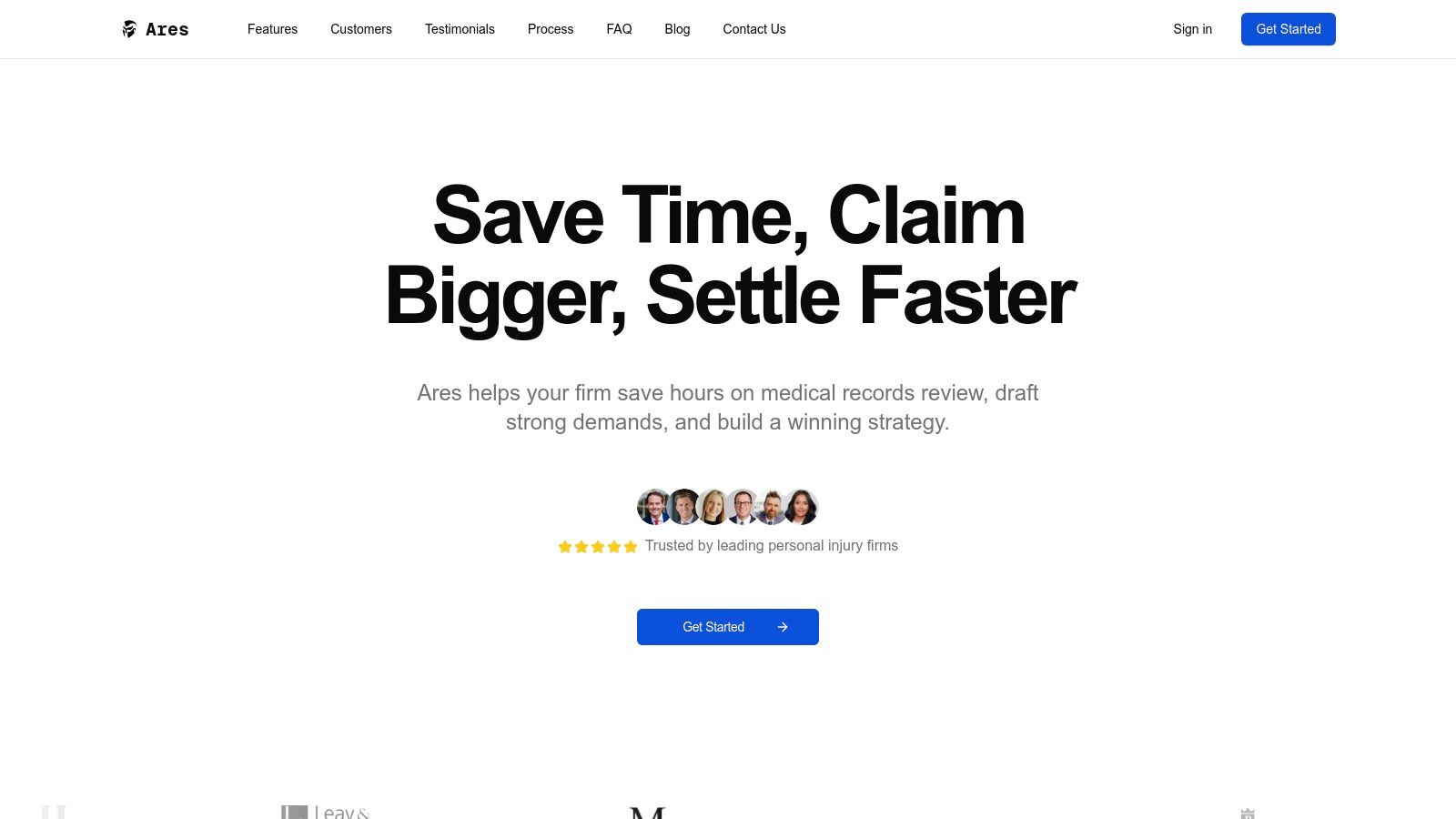
The platform operates on a streamlined, four-step process. Attorneys or paralegals simply upload raw case files, including extensive medical records. The AI engine then analyzes these documents in minutes, extracting critical data points and weaving them into a coherent narrative. The system delivers organized medical summaries, detailed chronologies, and robust first drafts of demand letters, which teams can then refine and finalize.
"Ares is incredibly useful from a trial standpoint... Ares feels like a game-changer for our practice."
– Louis, Holzberg Legal
Key Features & Analysis
- AI-Powered Medical Record Extraction: Ares automatically identifies and organizes key facts like diagnoses, treatment dates, providers, and symptom timelines. This replaces dozens of hours of manual paralegal work, allowing teams to spot narrative gaps and build stronger cases faster.
- Automated Demand Letter Drafting: The platform uses the extracted medical data to generate comprehensive demand letter drafts. This not only saves time but also ensures that critical details from the medical history are consistently and accurately included.
- HIPAA Compliance & Security: Built with enterprise-grade security protocols, Ares is fully HIPAA-compliant, providing a secure environment for handling sensitive Protected Health Information (PHI). Firms can learn more about Ares's security posture on their website.
- Collaborative Workflow: Outputs can be easily exported, allowing for seamless collaboration among attorneys, paralegals, and support staff to finalize documents for settlement negotiations or trial preparation.
Practical Considerations
While Ares offers a significant technological advantage, its AI-generated outputs are designed to be a starting point, not a final product. Attorney oversight is essential to ensure every summary and demand letter aligns with the firm's legal strategy and professional standards. Pricing and integration details are provided upon request, so interested firms will need to schedule a demo to get a complete picture of the investment and implementation process.
| Feature | Details |
|---|---|
| Primary Use Case | Automating medical record summary and demand letter drafting for personal injury. |
| Ideal Firm Size | Small to large personal injury firms looking to scale caseload without hiring staff. |
| Pricing | Custom; available upon request via demo. |
| HIPAA Compliant | Yes. |
Visit Ares to request a demo.
2. Clio
Best for: Firms Seeking an All-in-One, Mature Ecosystem
Clio is one of the most established and widely-used cloud-based platforms, making it a strong contender for the best case management software for law firms of all sizes. It stands out by offering a fully integrated suite of tools that manage the entire client lifecycle, from intake to invoice. The platform is segmented into two main products: Clio Grow for client intake and CRM, and Clio Manage for core practice management.
The ecosystem approach allows firms to start with core case management and add functionality as they scale. Clio’s extensive library of over 250 integrations with applications like Microsoft 365, QuickBooks, and Dropbox ensures it fits seamlessly into existing tech stacks. For personal injury firms, this means connecting with specialized tools for medical record retrieval or e-signatures without disrupting established workflows. Its user interface is clean and generally intuitive, backed by robust onboarding support and a wealth of educational resources, including CLE credits and the annual Legal Trends Report.
Key Features & Considerations
- Product Suite: Offers distinct but integrated tools like Clio Grow (CRM), Clio Manage (Case Management), and Clio Draft (Document Automation).
- Transparent Pricing: Clio publishes its pricing online, with several tiers and options for monthly or annual billing. This transparency is a significant advantage for firms budgeting for new software.
- Integrations: A market-leading app directory allows for deep customization and workflow automation.
- Cost Structure: While the base plans are accessible, accessing advanced features like the full CRM suite or AI add-ons requires higher-tier subscriptions, which can increase the total cost of ownership.
Website: https://www.clio.com/pricing
3. MyCase
Best for: Firms Prioritizing User-Friendly Onboarding and Integrated Payments
MyCase offers a compelling end-to-end solution that is often lauded for its intuitive interface and straightforward implementation, making it an excellent choice for firms that need to get up and running quickly. The platform provides a comprehensive suite of tools covering matter management, billing, client communications, and document storage. Its core strength lies in its tightly integrated ecosystem, particularly its native payment processing powered by LawPay, which simplifies the entire billing and collections cycle.
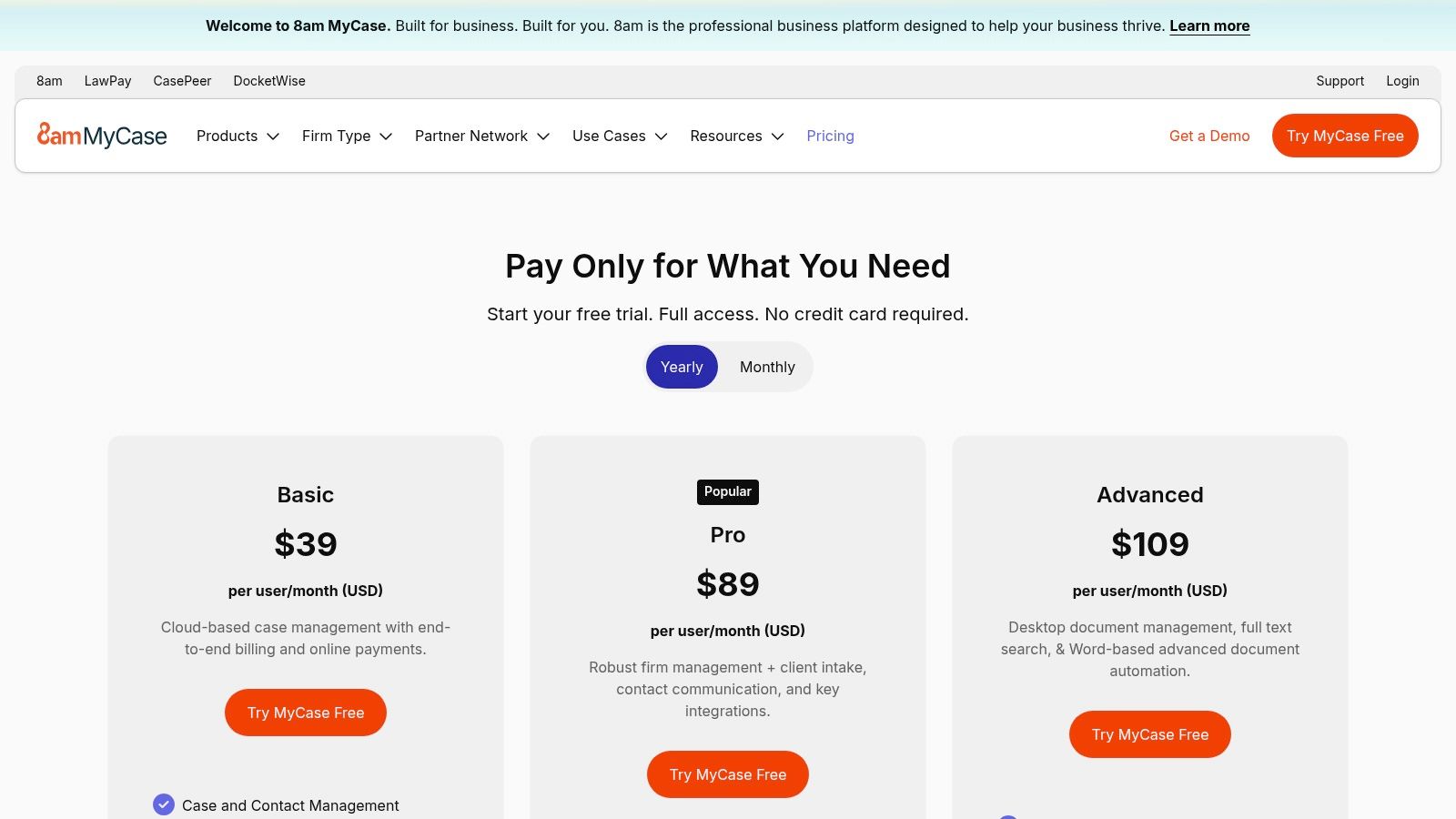
This all-in-one approach is designed to reduce the need for multiple disparate systems. For personal injury firms, this means managing everything from client intake and document management, including tasks like organizing a chronological medical record summary, to final invoicing within a single, unified platform. The clear pricing tiers and a 10-day free trial allow firms to assess the software's fit with minimal upfront commitment. Optional add-ons, like MyCase Accounting and website services, provide a pathway for firms to centralize even more of their operations as they grow.
Key Features & Considerations
- Integrated Payments: Built-in LawPay functionality streamlines trust and operating account payments directly within the case management workflow.
- User Experience: Known for its clean design and user-friendly navigation, which can significantly reduce the learning curve for new users and support staff.
- Transparent Tiers: MyCase clearly outlines the features available in each of its subscription plans, helping firms make an informed decision based on their specific needs and budget.
- Standardized Rates: While the LawPay integration is seamless, firms may find the standardized payment processing rates are not as competitive as custom or legacy pricing they might have secured directly. Some fee structures are also slated to change in 2025.
Website: https://www.mycase.com/pricing
4. PracticePanther
Best for: Solos and Small Firms Needing Built-In Client Communication Tools
PracticePanther is a cloud-based solution that has gained significant traction among solo practitioners and small to mid-sized firms. Its strength lies in bundling modern communication and payment features directly into its platform, reducing the need for multiple third-party tools. Core functionalities like case management, time tracking, and billing are complemented by native ePayments, two-way business texting, and unlimited eSignatures, particularly in its higher-tier plans.
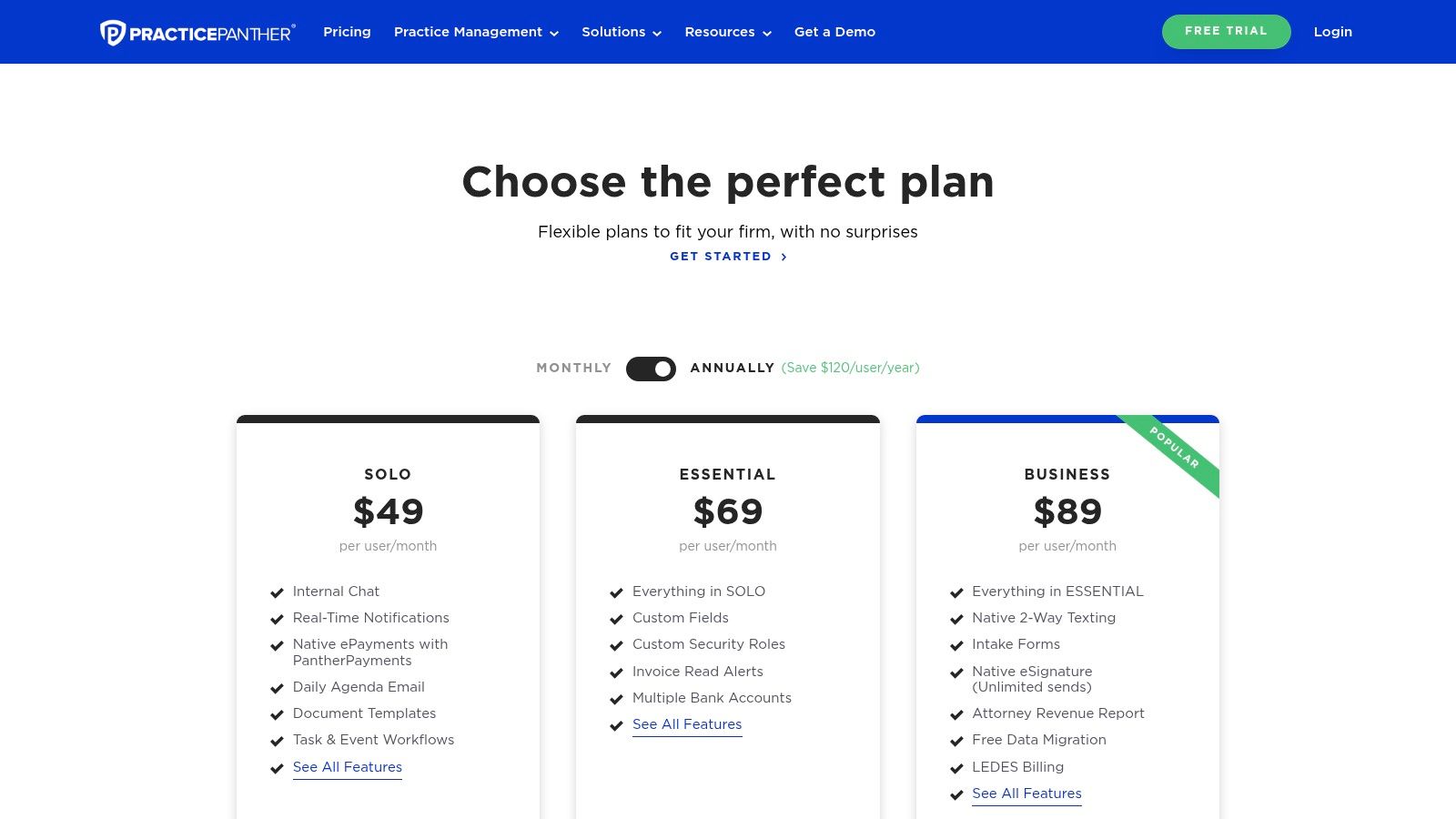
This all-in-one approach appeals to firms prioritizing simplicity and efficiency. For personal injury practices, the ability to text clients updates or send documents for signature directly from the case file streamlines communication and accelerates case progression. PracticePanther also emphasizes accessibility with dedicated mobile apps and unlimited document storage across all plans, making it a strong contender for firms that value mobility and predictable costs. The inclusion of free data migration services on its Business tier is a major incentive for firms looking to switch providers with minimal friction.
Key Features & Considerations
- Native Communication Tools: Built-in features like two-way texting and unlimited eSignatures (on the Business plan) simplify client interaction and reduce reliance on external apps.
- Clear Plan Tiers: Pricing is straightforward, with clearly differentiated plans that allow firms to choose the functionality they need. The Business tier offers competitive value.
- Unlimited Storage: Every plan includes unlimited document storage, which is a significant benefit for document-heavy practices like personal injury law.
- Tier-Gated Features: While the platform is robust, some of the most compelling features, such as advanced automation and integrations, are reserved for the more expensive Business plan.
Website: https://www.practicepanther.com/pricing/
5. Smokeball
Best for: Small Firms Prioritizing Automatic Time Tracking and Document Management
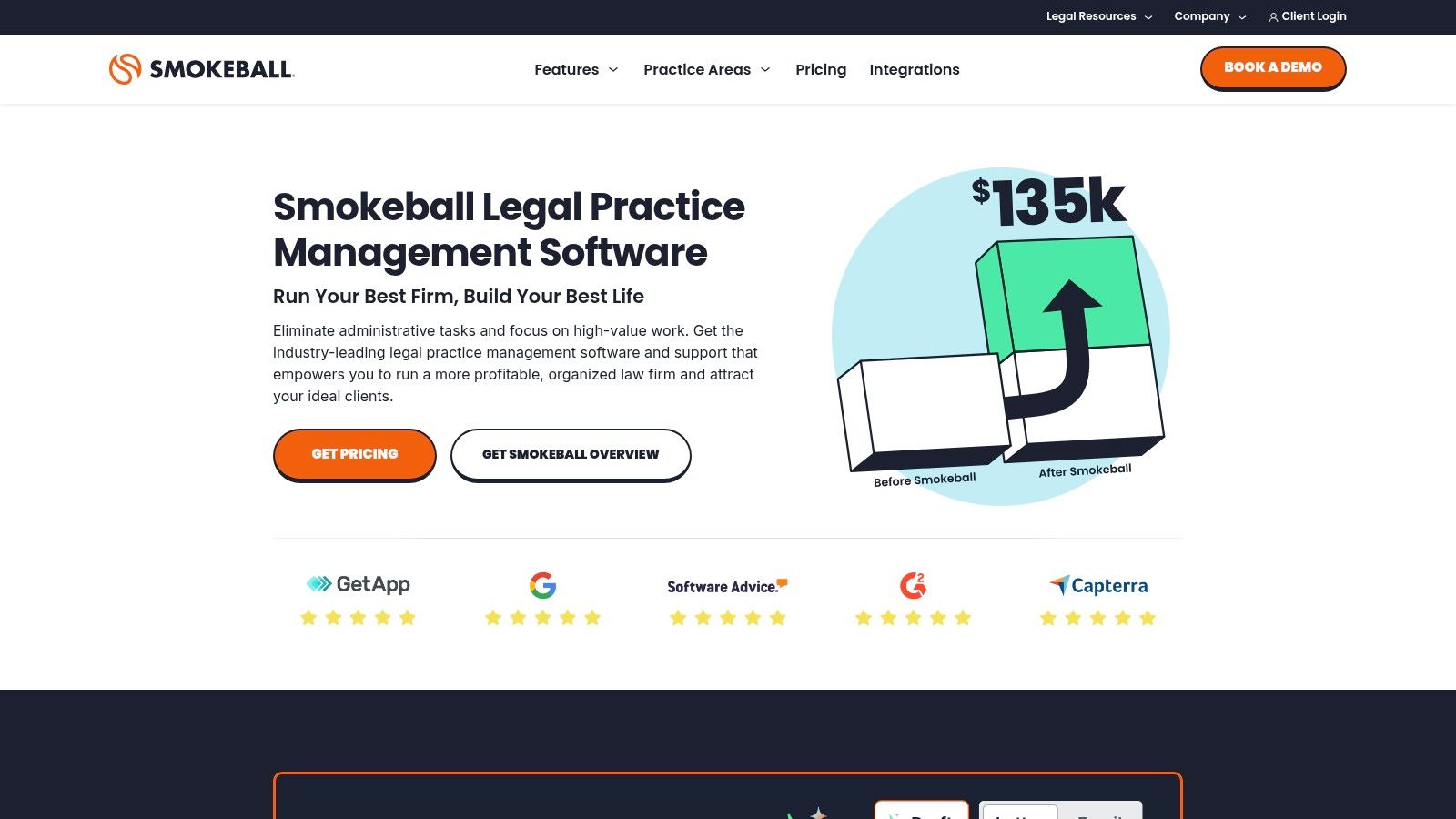
Smokeball positions itself as a powerful solution for small law firms, making a strong case as one of the best case management software options through its unique automation features. Its standout capability is AutoTime, which automatically records time spent on tasks within Microsoft Word, Outlook, and other applications, eliminating the manual drudgery of time entry. This feature, combined with deep integration into the Microsoft Office suite, streamlines document creation and communication workflows significantly.
For firms, especially those in litigation or personal injury, this means every billable moment spent drafting a motion or replying to an email is captured effortlessly, improving profitability and accuracy. The platform also boasts a vast, pre-populated legal form library, which accelerates document assembly and reduces the risk of error. Smokeball further enhances its value proposition through partnerships with state bar associations, often providing its billing software, Smokeball Bill, as a free member benefit.
Key Features & Considerations
- AutoTime: Automatically tracks activity in real-time, creating draft time entries for review and billing.
- Deep Document Automation: Integrates seamlessly with Microsoft Word and Outlook, and includes a comprehensive library of legal forms and templates.
- Integrated Billing & Payments: Offers built-in solutions like Smokeball Payments with transparent processing fees, simplifying the entire billing cycle.
- Quote-Based Pricing: The core practice management software requires a custom quote, which can make it harder to budget for compared to platforms with transparent, tiered pricing.
- Bar Association Partnerships: Many state bar members can access Smokeball Bill for free, presenting a significant cost-saving opportunity for solo and small firms.
Website: https://www.smokeball.com
6. Filevine
Best for: Firms Needing Deep Customization and AI-Enhanced Workflows
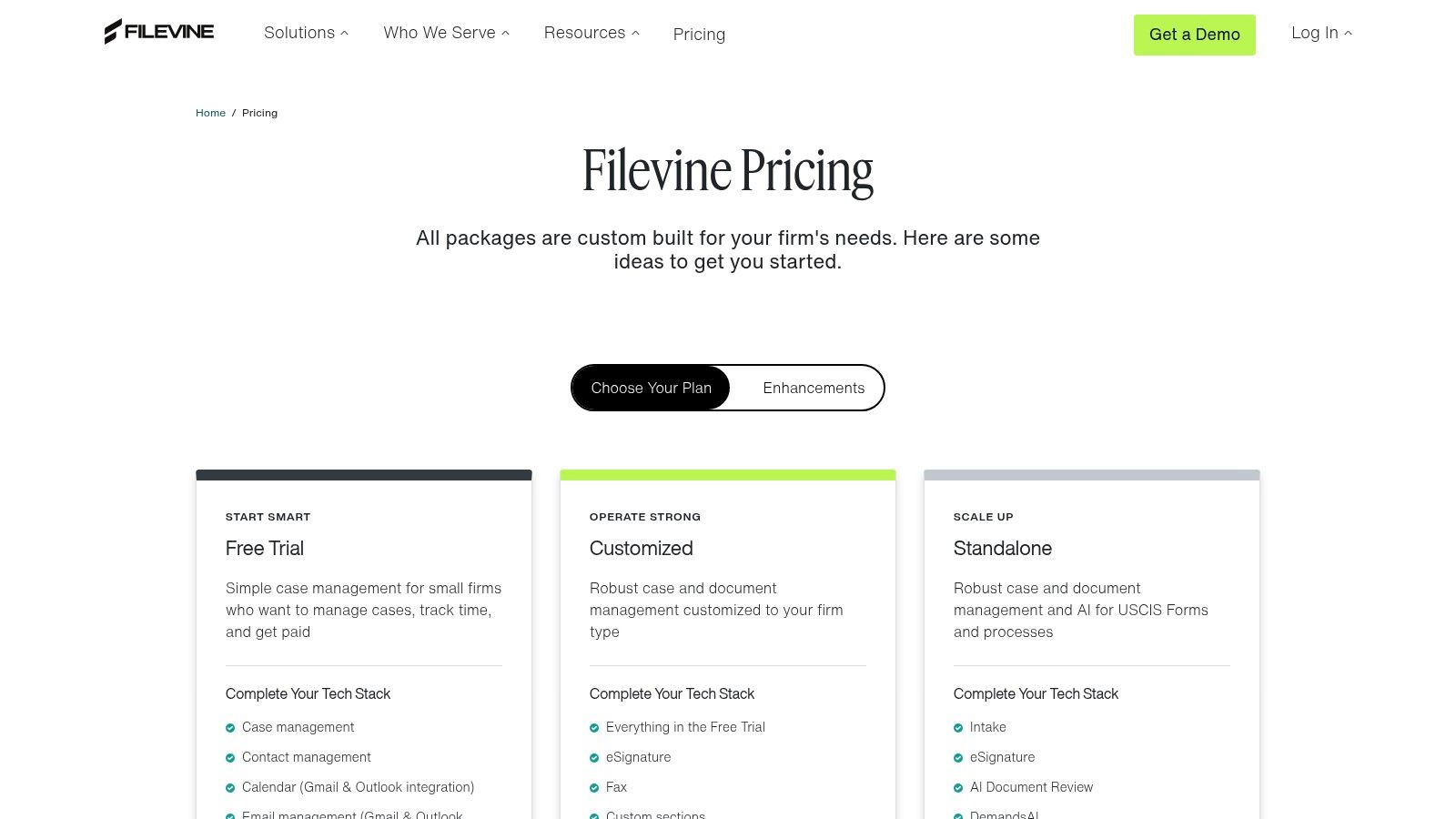
Filevine has established itself as a powerful, highly configurable platform, making it a top choice for litigation-heavy practices like personal injury that require tailored workflows. Rather than a one-size-fits-all approach, Filevine allows firms to build custom case templates, fields, and automated task chains that precisely match their unique processes. This level of customization is its core differentiator, enabling firms to manage complex matters with greater efficiency.
The platform is also aggressively expanding its AI capabilities, with tools like Depositions for transcript analysis, MedChron for organizing medical records, and DemandsAI for accelerating demand letter creation. Coupled with integrated add-ons like Lead Docket for intake and Vinesign for e-signatures, Filevine offers a comprehensive ecosystem for firms looking to innovate and automate. For firms dealing with extensive medical documentation, its features can significantly streamline the process of case preparation and management. You can learn more about how to organize medical records for legal cases to leverage these tools effectively.
Key Features & Considerations
- Deep Customization: Build case workflows from the ground up to match specific practice area needs, from personal injury to mass torts.
- Integrated AI Suite: Offers a growing set of AI-powered tools designed to reduce manual work in document analysis and preparation.
- Implementation & Pricing: Pricing is quote-based and not publicly listed. Implementation often requires direct support from Filevine or a certified partner, reflecting the platform’s complexity and custom nature.
- Strong Product Momentum: Frequent updates and significant investment in new features demonstrate a commitment to innovation, making it a future-forward choice among the best case management software for law firms.
Website: https://www.filevine.com/pricing
7. Litify
Best for: High-Volume Firms Needing an Enterprise-Grade, Customizable Platform
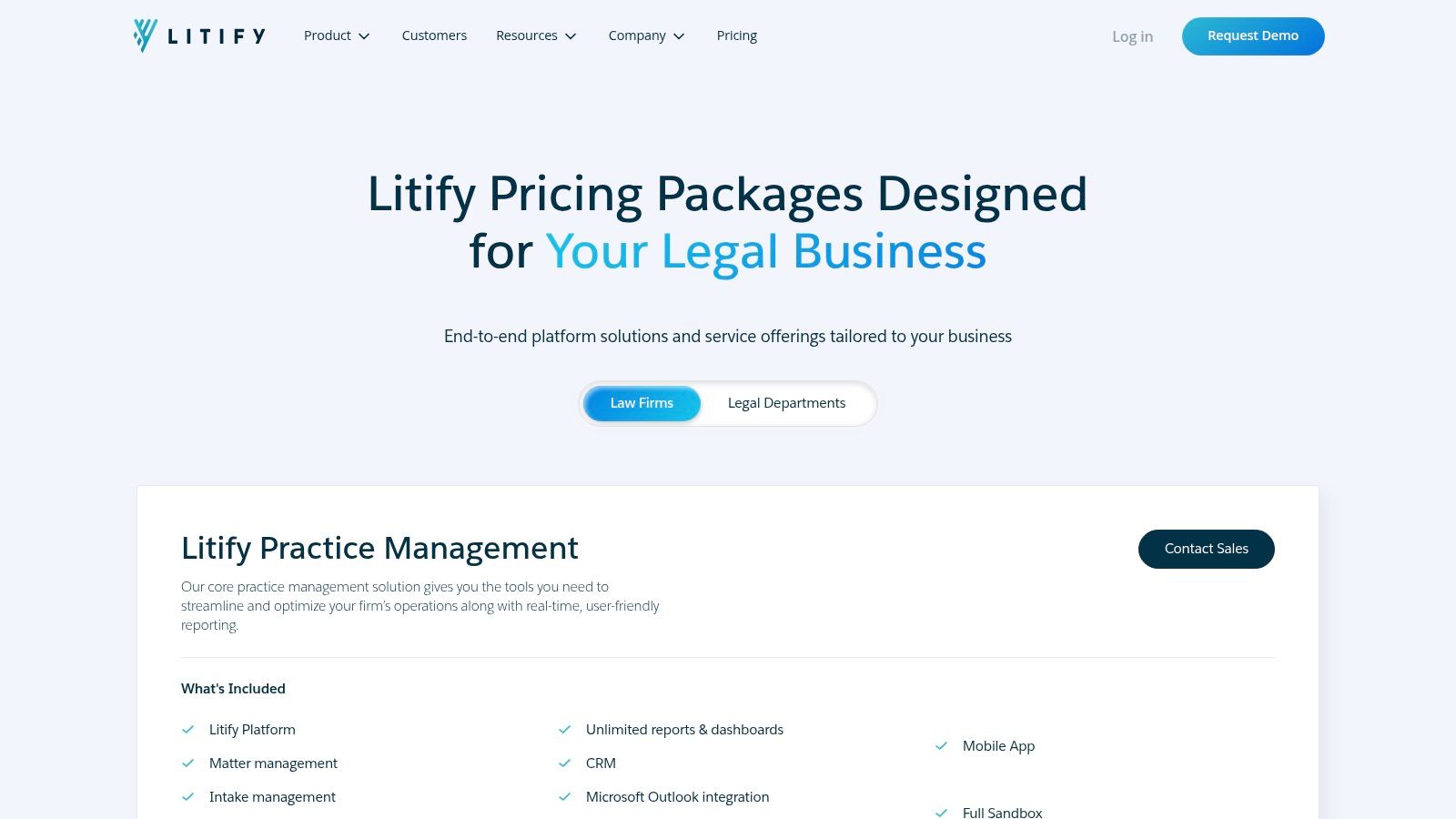
Litify is a legal operating platform built entirely on the Salesforce ecosystem, making it a powerhouse for larger law firms that require extensive customization, scalability, and robust reporting. It is particularly well-suited for high-volume plaintiff, defense, and immigration practices with multi-office operations. By leveraging the Salesforce foundation, Litify provides enterprise-grade security and a level of workflow automation that can be tailored to the most complex legal processes.
This structure allows firms to build a truly bespoke system that aligns perfectly with their intake, case management, and financial reporting needs. The platform offers vertical-specific solutions for practice areas like personal injury, which come with pre-built workflows for managing medical records, settlement negotiations, and client communication. While the initial implementation is more involved than out-of-the-box solutions, the long-term payoff is a system that can grow and adapt with the firm, making it some of the best case management software for law firms focused on future-proofing their operations.
Key Features & Considerations
- Salesforce Foundation: Built on the world's leading CRM, offering unparalleled security, reliability, and customization potential.
- Vertical Solutions: Provides tailored modules for specific practice areas, including personal injury and immigration, with pre-configured workflows.
- Enterprise Reporting: Access to Salesforce's powerful reporting and dashboard tools allows for deep insights into firm performance, case pipelines, and financials.
- Cost Structure: Due to its enterprise nature, Litify typically involves significant setup fees and minimum license requirements (often 10-20 seats), resulting in a higher total cost of ownership compared to SMB-focused tools.
Website: https://www.litify.com/pricing
8. CARET Legal
Best for: Firms Needing Integrated Accounting and Advanced Analytics
CARET Legal, part of a larger legal tech family that includes Tabs3 and CosmoLex, positions itself as a comprehensive, end-to-end practice management solution. It stands out by embedding critical functions like email, document management, and robust accounting directly into the platform, reducing the need for extensive third-party integrations. This all-in-one approach appeals to firms looking to simplify their technology stack and streamline workflows from a single dashboard.
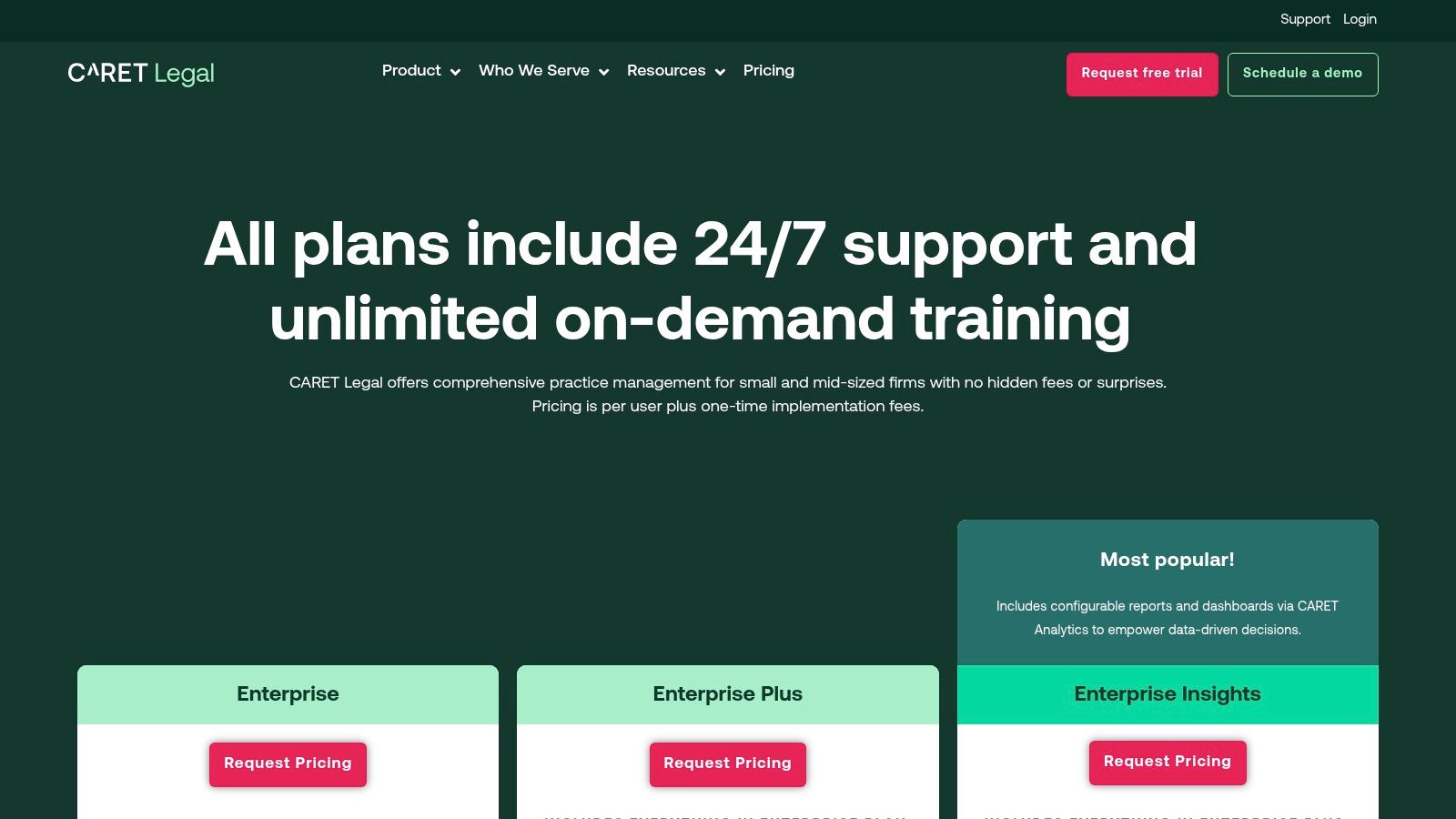
The platform is particularly strong in its financial management capabilities, offering sophisticated billing, trust account handling, and integrated payment processing. For managing partners and operations teams, the CARET Analytics dashboards (available in higher-tier plans) provide deep insights into firm performance, profitability, and productivity. This focus on business intelligence makes it a strong choice for firms that are data-driven and growth-oriented. Its transparent, per-user pricing and unlimited on-demand training further enhance its value proposition, making it an accessible option for firms that need strong support.
Key Features & Considerations
- Integrated Core Functions: Native email, document management, and a full legal-specific accounting system are built-in, creating a seamless user experience.
- Advanced Analytics: The CARET Analytics feature offers powerful, customizable dashboards for tracking key performance indicators and making informed business decisions.
- Transparent Pricing: Like Clio, CARET Legal publishes its per-user pricing online, with clearly defined tiers. However, firms should budget for a one-time implementation fee.
- Billing Model: The platform primarily operates on an annual billing model, which may be a financial consideration for firms accustomed to monthly subscriptions.
9. Assembly Neos
Best for: Plaintiff-Side Firms Upgrading from Legacy Systems
Assembly Neos is the cloud-native evolution of the long-standing Needles and Trialworks platforms, positioning it as a top contender among the best case management software for law firms focused on plaintiff-side work, especially personal injury. It’s engineered to manage high-volume dockets with highly configurable case types and workflow automation. The platform’s core strength lies in its deep understanding of the PI lifecycle, offering specialized tools for tracking case milestones, managing medical records, and calculating settlement values.
The modern user interface provides at-a-glance insights through dashboards and reporting tailored to the key performance indicators that matter most to PI practices. Neos is also leaning into the future with NeosAI, an integrated artificial intelligence toolkit available in its premium tiers. This feature assists with document generation, summarization, and extracting critical data from unstructured documents, helping firms accelerate tedious manual tasks. Its robust feature set and clear focus on plaintiff-side litigation make it an excellent choice for firms seeking a powerful, specialized solution.
Key Features & Considerations
- Plaintiff-Focused Workflows: Built from the ground up to support personal injury, mass tort, and other plaintiff-side case types with specific templates and automation rules.
- Integrated AI: The optional NeosAI module provides advanced tools for document generation, case summaries, and data extraction directly within the platform.
- Flexible Integrations: Connects with essential tools like QuickBooks, LawPay, Microsoft 365, and RingCentral to create a unified tech stack.
- Pricing Structure: The entry-level "Essentials" plan requires an annual commitment, while more advanced plans, including those with AI capabilities, are quote-based. Some third-party integrations may also incur additional fees.
Website: https://assemblysoftware.com/pricing
10. CosmoLex
Best for: Firms Requiring Integrated Accounting and Compliance
CosmoLex distinguishes itself by offering a fully integrated legal practice management solution that includes built-in trust and business accounting. This all-in-one approach eliminates the need for external accounting software like QuickBooks, streamlining financial workflows and simplifying compliance with trust accounting rules. For firms, especially those in personal injury that frequently manage client funds, this native integration is a significant advantage, reducing the risk of data entry errors and ensuring a single source of truth for all case-related financial activities.
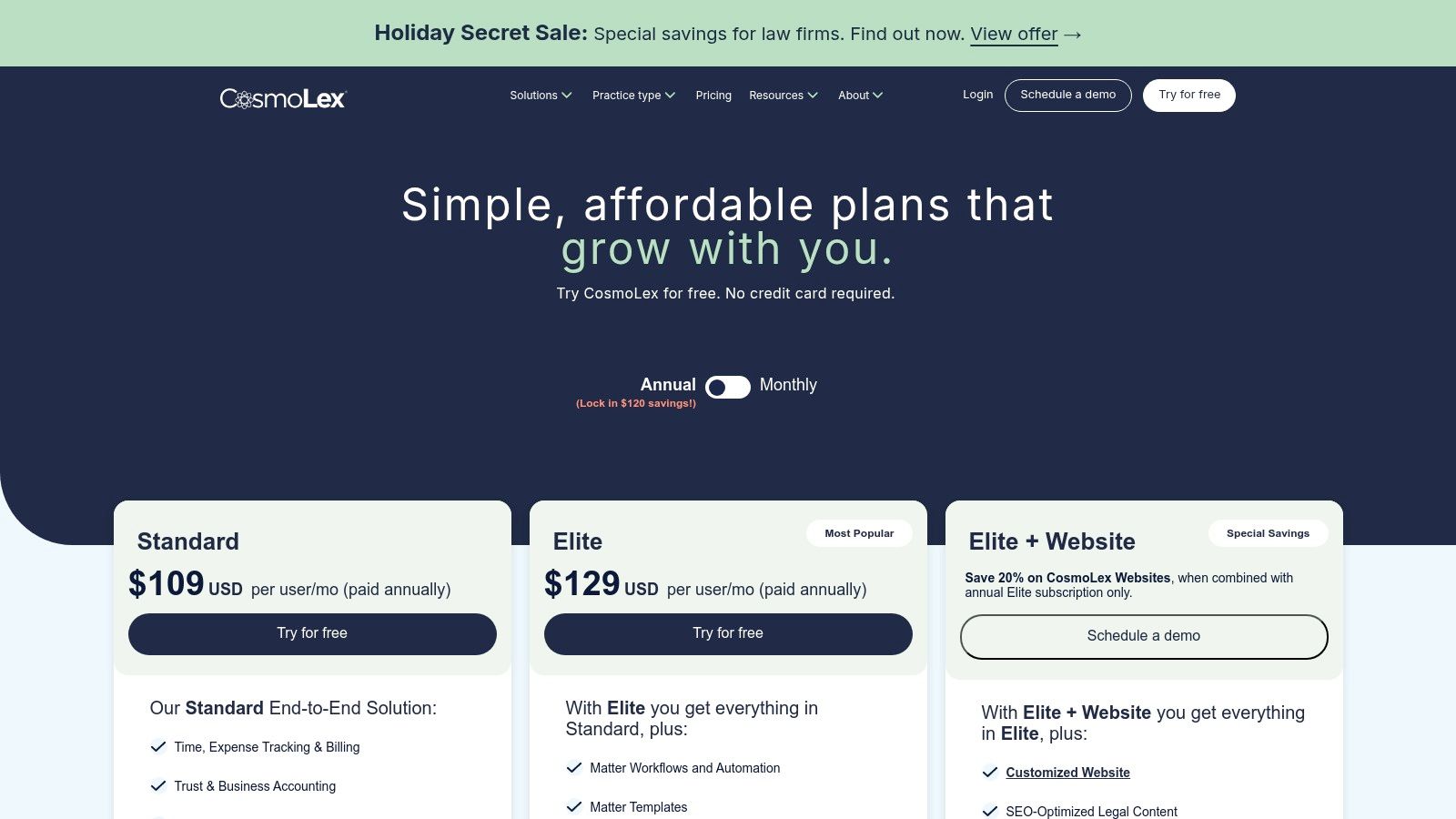
The platform provides a comprehensive suite of tools covering case management, billing, and a secure client portal. Its architecture is designed to give firms a complete operational view from a single login. While the core offering is robust, CosmoLex also provides add-on modules for CRM and website services, allowing firms to expand their capabilities as they grow. This makes it a compelling option for solos and small to mid-sized firms seeking one of the best case management software for law firms that prioritizes financial management and operational efficiency without relying on third-party integrations for core accounting.
Key Features & Considerations
- Integrated Accounting: Combines practice management with IOLTA-compliant trust accounting and business accounting, a key differentiator from most competitors.
- Add-on Ecosystem: Offers optional but integrated CosmoLex CRM for intake management and CosmoLex Websites for marketing, with transparent pricing for these services.
- Transparent Trials: Provides a 10-day free trial, allowing firms to evaluate the full functionality of the software before committing.
- Pricing Clarity: While add-on pricing is clear, core plan details and costs can sometimes vary across different promotional pages, requiring careful review during evaluation. Complex firms may find they need higher-tier plans to access all necessary features.
Website: https://www.cosmolex.com/pricing
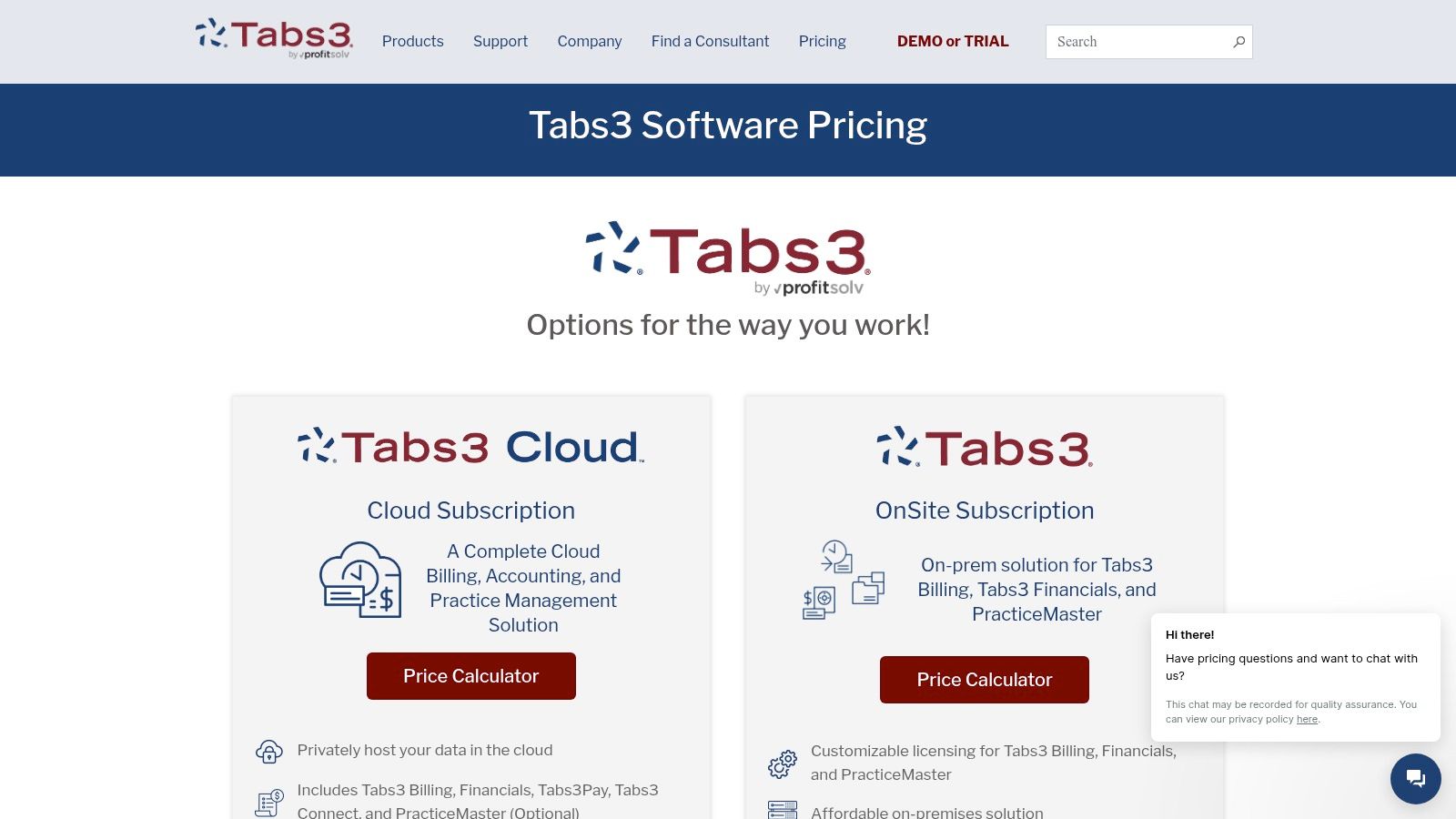
11. Tabs3 + PracticeMaster
Best for: Firms Needing On-Premises Control or a Hybrid Deployment
Tabs3 and PracticeMaster offer a long-standing, robust solution for firms that prioritize data control or require an on-premises deployment. Unlike many cloud-native platforms, Tabs3 provides the flexibility of an OnSite (on-premises) installation or a hosted cloud subscription, making it a reliable choice for firms with specific IT governance or security mandates. This dual-deployment model positions it as one of the best case management software options for firms transitioning to the cloud at their own pace.
The system is structured as an a la carte ecosystem. Tabs3 handles billing and accounting, while PracticeMaster delivers the core case and practice management functionalities. This separation allows firms to purchase only the modules they need, from case management and calendaring to integrated credit card processing with Tabs3Pay and secure document sharing via LexShare. The software is supported by a network of certified consultants and U.S.-based phone support, which is a significant advantage for firms that value direct, expert assistance for implementation and troubleshooting.
Key Features & Considerations
- Deployment Flexibility: Offers both on-premises (OnSite) and hosted cloud options, catering to a wide range of IT policies and security requirements.
- Modular Ecosystem: Firms can build a custom stack by combining Tabs3 for financials, PracticeMaster for case management, and optional add-ons like CRM or e-signature tools.
- Expert Support Network: Access to a U.S.-based support team and a network of certified consultants provides valuable resources for migration, setup, and optimization.
- Complex Pricing: The pricing model is not always transparent, often requiring a quote. Additional features and add-ons like LexShare typically involve separate setup and recurring fees, which can complicate budgeting.
Website: https://www.tabs3.com/pricing.html
12. G2 – Legal Case Management category
Best for: Firms Conducting In-Depth, Crowd-Sourced Vendor Comparisons
While not a software platform itself, G2’s Legal Case Management category is an indispensable research tool for any firm vetting new technology. It serves as a comprehensive marketplace where legal professionals can compare dozens of the best case management software for law firms based on verified, up-to-date user reviews. This peer-driven insight provides a crucial layer of social proof that goes beyond vendor marketing materials, offering a real-world perspective on usability, support quality, and feature performance.
G2 excels at helping firms create a shortlist. Its powerful filtering tools allow you to narrow down options by firm size, feature requirements, user satisfaction scores, and integration capabilities. The platform’s comparison grids and matrices let you visually stack up top contenders side-by-side on key attributes. For personal injury firms, this means you can quickly filter for HIPAA compliance, medical record management features, or integrations with specific e-signature tools. By aggregating user sentiment and detailed product data, G2 streamlines the initial discovery and validation phase of the software selection process.
Key Features & Considerations
- Verified User Reviews: Access to a large repository of reviews from legal professionals, providing authentic feedback on product strengths and weaknesses.
- Comparison Tools: Use grids and filters to directly compare features, pricing models, and user satisfaction ratings across multiple platforms.
- Direct Vendor Access: Category pages link directly to vendor websites, making it easy to request demos, start free trials, or view pricing information.
- Potential for Bias: Be mindful that sponsored listings can affect vendor visibility, and reviews may not always capture the specific, niche requirements of every practice area. It is best used as a starting point for deeper evaluation.
Website: https://www.g2.com/categories/legal-case-management
Top 12 Law Firm Case Management Software Comparison
| Product | Key features | UX & accuracy | Value / USP | Target audience | Pricing & notes |
|---|---|---|---|---|---|
| Ares (Recommended) | AI medical-record extraction, demand-letter drafting, drag-and-drop, HIPAA-compliant | Fast (minutes), firms report 10+ hrs saved per case; outputs need attorney review | PI-specific workflow that speeds review, strengthens narratives, gap-spotting | Personal injury firms — solo to enterprise | Custom pricing; contact for demo; enterprise security |
| Clio | Matter & document mgmt, Clio Grow/Draft, 250+ integrations, AI add-ons | Mature UX, strong onboarding and resources | Broad ecosystem & integrations; published pricing | Firms of all sizes | Transparent published pricing; add-ons can raise cost |
| MyCase | Matter mgmt, billing, client portal, eSignature, LawPay | Straightforward onboarding, 10-day free trial | Integrated payments and simple setup | Small–mid firms seeking easy onboarding | Tiered plans documented; LawPay fees apply |
| PracticePanther | Workflows, templates, 2-way texting, eSignature, mobile apps | Clear plan tiers, competitive Business tier value | Mobile-first, unlimited storage, Business-tier perks | Solos and small/mid-size firms | Tiered pricing; advanced features on higher tiers |
| Smokeball | AutoTime, Word/Outlook integration, large forms library, payments | Strong billing/time automation for small firms | Time capture automation and bar-member savings | Small firms; bar association members | Quote-based core pricing; published processing fees |
| Filevine | Configurable workflows, AI (MedChron, DemandsAI), Vinesign | Highly configurable; active product updates | Deep customization + growing AI toolset | Complex/high-touch practices | Custom pricing; guided implementation usually required |
| Litify | Salesforce-based, enterprise security, advanced reporting | Scalable enterprise UX, powerful reporting | Enterprise-grade customization and extensibility | Large, multi-office or high-volume practices | Higher TCO; minimum seat requirements and setup fees |
| CARET Legal | Built-in email/docs, billing, trust handling, analytics | Enterprise-friendly UX, 24/7 support, training | Per-user transparency and enterprise permissions | Mid-size to enterprise firms | Per-user pricing; one-time implementation fee; annual billing |
| Assembly Neos | PI-focused workflows, document automation, NeosAI, integrations | Modern cloud UX with PI dashboards | PI-centric workflows with embedded AI options | Plaintiff/PI practices | Essentials annual-only; premium/AI plans quote-based |
| CosmoLex | Practice mgmt + built-in trust & business accounting, LEDES | Compliance-ready accounting integrated with case mgmt | All-in-one accounting eliminates separate software | Firms needing built-in accounting & compliance | Published add-on pricing; 10-day trial; some pricing variance |
| Tabs3 + PracticeMaster | On-prem or hosted, billing/accounting, PracticeMaster | Flexible deployment (OnSite or cloud) for control | A la carte ecosystem for billing/accounting/PM | Firms wanting on-prem control or hybrid hosting | Quote/calculator pricing; separate add-on fees |
| G2 – Legal Case Management category | Category reviews, vendor grids, filters by size/features | Broad current user sentiment and rankings | Fast shortlisting and verified user feedback | Buyers comparing multiple legal platforms | Free to use; sponsored listings can influence visibility |
How to Make Your Final Decision and Ensure a Smooth Transition
Navigating the crowded market for legal case management software can feel overwhelming, but making an informed decision is the first step toward transforming your firm's productivity and profitability. We have explored a wide range of solutions, from all-in-one platforms like Clio and MyCase to specialized, document-intensive powerhouses like Filevine and Litify. Each option presents a unique combination of features, strengths, and ideal use cases.
The key takeaway is that the best case management software for law firms is not a one-size-fits-all solution. A small, agile personal injury practice has vastly different needs than a large, multi-practice litigation firm. Your final choice must be a strategic one, directly aligning with your specific workflows, growth ambitions, and existing technological ecosystem. The right platform will not just store data; it will become the central nervous system of your operations, automating routine tasks and freeing up your team to focus on high-value legal work.
Your Action Plan: From Shortlist to Successful Launch
You've reviewed the options and likely have a few top contenders in mind. Now is the time to move from research to active evaluation. Follow these structured steps to ensure you make a confident, well-researched decision.
- Schedule Targeted Demos: Narrow your list to your top two or three choices and book live demonstrations. Do not accept a generic sales pitch. Insist on a customized demo that addresses your firm’s most critical pain points, especially if you are a personal injury firm needing advanced medical record or document management capabilities.
- Prepare a "Must-Have" Checklist: Before each demo, create a scorecard. List your non-negotiable features, such as HIPAA-compliant communication, robust reporting, integrated billing, and specific third-party integrations (e.g., with QuickBooks or Microsoft 365). Ask the demonstrator to show you exactly how their software handles each of these items.
- Drill Down on Critical Logistics: The software itself is only part of the equation. Be sure to ask pointed questions about the implementation process:
- Data Migration: How do they handle the transfer of your existing data? What is the typical timeline and cost? What level of support do they provide?
- Onboarding and Training: What does the training program look like? Is it live, on-demand, or a hybrid? Is ongoing training included or an additional fee?
- Customer Support: What are the support hours and channels (phone, email, chat)? What is their guaranteed response time for critical issues?
Implementation: The Key to Realizing ROI
Selecting the perfect software is only half the battle; a successful implementation is what truly unlocks its value. A rushed or poorly planned rollout can lead to user frustration, low adoption rates, and a failure to achieve the desired return on investment.
To ensure a smooth transition, create a phased rollout plan. Identify a small pilot group of tech-savvy attorneys and paralegals to use the new system first. This allows you to identify and resolve any workflow kinks in a controlled environment. Gather their feedback, refine your training processes, and then schedule the firm-wide launch. Appoint an internal "champion" for the new software, someone who can act as a go-to resource for colleagues and maintain enthusiasm for the change.
Ultimately, investing in the right case management software is an investment in your firm's future. It is a strategic move to build a more efficient, secure, and scalable practice prepared for the challenges ahead. By carefully evaluating your unique needs against the solutions available and committing to a thoughtful implementation plan, you can confidently choose a platform that empowers your team to achieve better outcomes for your clients and your business.
If your personal injury firm is struggling with document-intensive cases and medical record management, Ares offers a revolutionary approach by integrating AI-powered tools directly into your workflow. Explore how our advanced automation can streamline your most complex tasks and amplify your team's efficiency by visiting Ares to see a specialized solution in action.